Relationship mapping software for B2B sales: what to look for

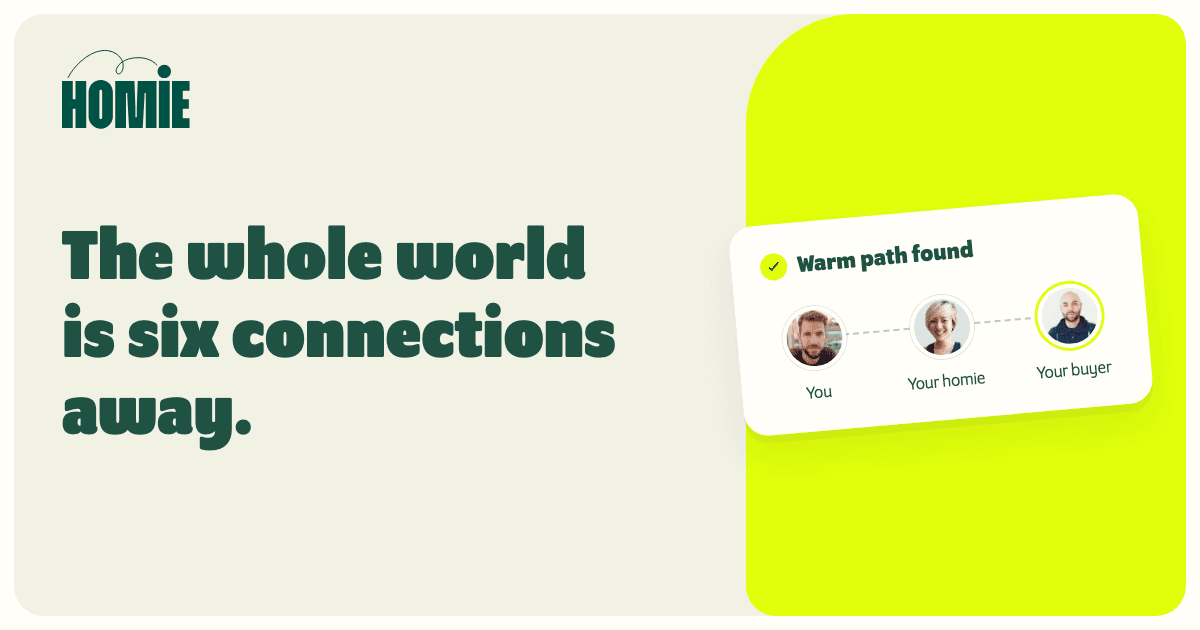
Relationship mapping software shows who matters inside a target account and how your people are connected to them. For a B2B sales team, the useful version answers two questions at once: who is involved in this decision, and who do we know who could start that conversation credibly?
Most tools sold under the name answer only one of those questions. Knowing which one you need saves a long evaluation.
What is relationship mapping in sales?
A relationship map records the people around a deal and the relationships between them. In practice, teams use the term for two different jobs.
Stakeholder mapping looks inside the account. It lists the people in the buying group, their roles, who influences whom and where each person seems to stand. Reps often draw this as an org chart or power map during a complex deal.
Network mapping looks across the boundary. It shows which teammates, customers, investors or advisers already know someone at the account, and how strong each of those relationships appears to be. This is the map you need when you want a warm introduction rather than a cold first touch.
A good account plan uses both. The stakeholder map tells you who to meet; the network map tells you whether anyone can introduce you, and whether that introduction would be welcome.
What does relationship mapping software do?
The software collects relationship evidence from the systems your team already uses and turns it into a view per account or per person. Depending on the product and what each person chooses to connect, the evidence can include:
- CRM contacts, account owners and activity history
- Email and calendar history, such as who has met and how recently
- LinkedIn connections and shared work or education history
- Notes that reps add by hand, such as who sponsors a deal
From that evidence, most tools produce a relationship strength estimate and a list of possible routes to a person. The better ones show why a relationship scored the way it did, so a rep can check the evidence before asking a colleague for help.
What types of relationship mapping tools are there?
Products overlap, but they tend to start from one of four places.
| Type | Main question | Typical data | Useful for | Watch for |
|---|---|---|---|---|
| Stakeholder or org-chart mapping | Who is in the buying group? | Manual entries in the CRM or a deal plan | Complex deals with many decision makers | Maps go stale unless someone owns them |
| Relationship intelligence platform | How strong are our contacts' relationships? | Email and calendar activity, CRM records | Account management and deal coverage | Sees only the people who connect their accounts |
| Warm introduction platform | Who can introduce us to this person? | Shared networks, work history, email and meetings | Starting new conversations through trusted contacts | Paths still need a human check before an ask |
| Partner account mapping | Which accounts do we share with a partner? | Two companies' customer and prospect lists | Co-selling and partner planning | Company overlap doesn't name an introducer |
If your team mainly needs to keep track of decision makers in late-stage deals, a stakeholder map inside your CRM may be enough. If the problem is getting the first meeting, start with the tools that map networks.
How do you build a relationship map for one account?
You can start in a spreadsheet before buying anything. Doing it once by hand also shows you which fields a tool would need to fill in for you.
- Pick the conversation. Name the problem you want to discuss and the role most likely to own it. A relationship map without a reason to talk is just a list of names.
- List the buying group. Add the people you know are involved and mark uncertain roles as unknown rather than guessing.
- Find the connection owners. For each person, check who on your team, among your customers and in your wider network knows them.
- Record the evidence. Write down why you think each relationship holds: shared employer, recent meetings, a past deal. Keep the evidence beside the name.
- Confirm before you ask. Ask the connection owner how well they know the person today, then decide whether to request an introduction.
Suppose your target is a finance leader at a mid-size logistics company. Your stakeholder map shows the CFO, a finance operations lead and an IT approver. Your network map shows that a customer's controller worked with the finance operations lead for three years, and a teammate shares a former employer with the CFO but never overlapped with them. The customer relationship is the stronger route, so you check it with the customer's account owner first.
The account-mapping guide walks through the same exercise field by field, including how to keep the map in your CRM.
What should you check before choosing relationship mapping software?
Run a trial on a handful of real accounts you already understand, including one where you expect to find no useful path. A tool that invents warmth where you know there is none will cost you credibility with the people you ask.
Then check:
- Coverage beyond your reps. Can the map include customers, advisers, investors and partners, or only the people who log in?
- Evidence behind each score. Can a rep see what created a relationship, or only a number?
- Consent and control. Does each person choose what they connect, and can they disconnect later? Would your teammates be comfortable with the data being shared across the team?
- What happens after you find a path. Can you prepare the request, include a note the introducer can forward and track whether the introduction happened?
- CRM fit. Does it check existing customers and open deals before suggesting an account, and does progress flow back to your CRM?
- Effort to keep it current. Automatic sources stay fresh; manual maps decay unless someone owns them.
The platform-selection guide adds questions on pricing, references and rollout.
Is relationship mapping the same as relationship intelligence?
They overlap. Relationship intelligence is the wider category: collecting relationship evidence and scoring it. Relationship mapping is one output of that work, a picture of the connections around a specific account or person. The relationship intelligence guide compares it with a CRM and a sales intelligence database.
Where does Homie fit?
Homie maps your team's shared network for warm introductions. Each person can sync their LinkedIn connections with the Homie Chrome extension and connect Gmail and Google Calendar so Homie can assess relationships from email and meeting history. Connected CRMs such as HubSpot and Attio keep suggestions aligned with your pipeline.
For a target account, Homie shows who on your team knows someone there, the evidence behind each relationship's Warmth Score, and the warmest path to the person you want to meet. When a path looks right, you can prepare a personal request and a note your introducer can forward, then track the introduction.
Homie doesn't draw buying-group org charts or record how each stakeholder feels about a deal. Keep that stakeholder map in your CRM, and use Homie for the routes into the account.